

Last Updated: November 4, 2026
Quick Summary
To track online orders, find the tracking number in your shipping confirmation email, then enter it on the carrier's website or the store's order status page. Most stores also let you check progress with your order number and email address, even without an account.
- Find the order number, confirmation number and tracking number in your order confirmation email.
- Enter your order or confirmation number on the store's order tracking page to see its status.
- Open the carrier's own site, such as usps.com, ups.com or fedex.com, if the store's tracking display lags.
- Set up carrier alerts and confirm the contact details match your carrier account.
- If tracking shows no movement for three or more business days, contact the store's support team.
Table of Contents
- Gather Your Order Details Before You Start
- How to Track an Order With a Confirmation Number
- Track Online Orders Without an Account
- Track Orders With Shop, Step by Step
- Set Up Shipping Alerts and a Manual Order Log
- What to Do When an Online Order Is Delayed
- Book Your Next Order With Republic Mercantile
- Frequently Asked Questions
Tracking an online clothing order should take less than a minute once you know where to look, and most stores let you track online orders from a single link in your confirmation email. Online stores ship everyday essentials, jewelry and collectibles, and a clear tracking routine helps you know exactly when a package will land. This guide walks you through every method, from confirmation numbers to alerts, so you never have to guess where your order is.
Gather Your Order Details Before You Start
Before you track anything, pull together the details you need. Most tracking methods rely on the same few pieces of information.
Check your inbox for the order confirmation email. It usually includes:
- Order number: the reference code for your purchase
- Confirmation number: a separate code some stores use for tracking
- Shipping carrier: such as USPS, UPS or FedEx
- Tracking number: the code the carrier uses to follow your package
- Email address: the one you used at checkout
Keep these details in one note or folder. Doing this now saves you a search later, especially if you order from several stores in the same month.
How to Track an Order With a Confirmation Number
Many stores let you track an order with the confirmation number from your receipt. Look for an order tracking or order status link on the store's website, usually in the footer or account menu.
Enter your order or confirmation number, then your billing email or ZIP code if the form asks for it. The page will show whether your order is being prepared, has shipped, or has been delivered.
When your order ships, the store sends a shipping confirmation with a tracking number. Click that number to see the full route your package takes, from the warehouse to your door.
Tip: If the tracking page shows "label created" but no movement for two days, the carrier may not have picked up the package yet. This is normal and usually resolves within a day or two.
Track Online Orders Without an Account
You do not need an account to follow most orders. Guest checkout works the same way for tracking as it does for buying.
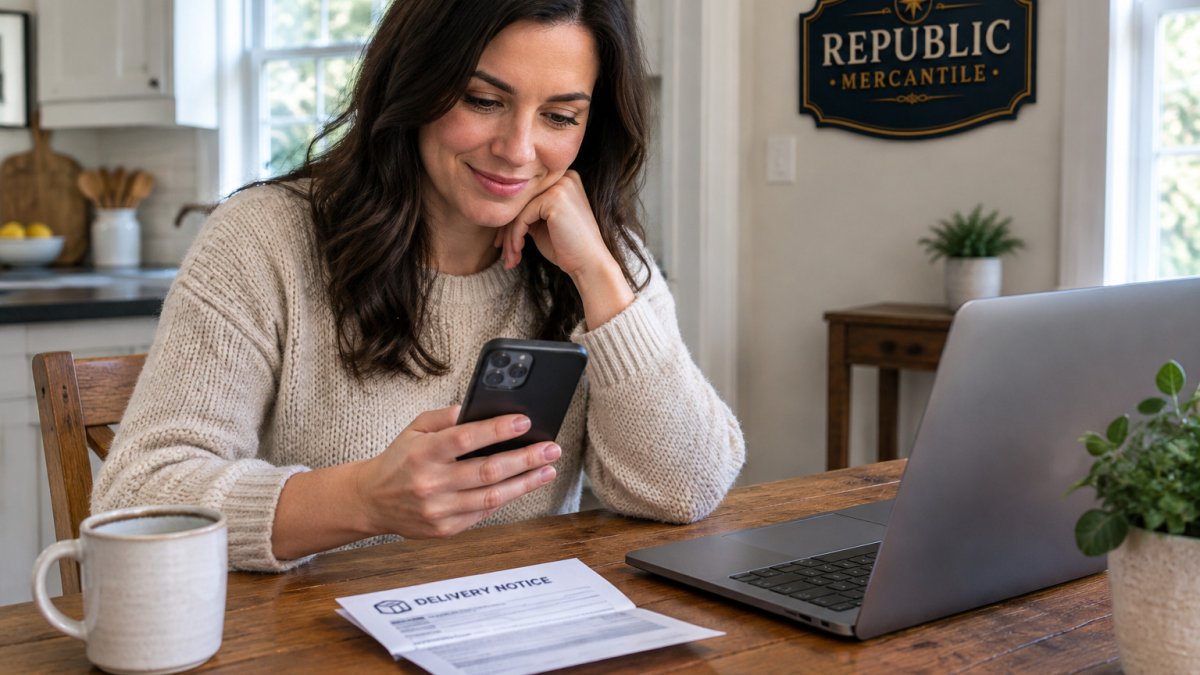
Use the order number and the email address you entered at checkout.
Track Orders With Shop, Step by Step
Some online shops give you a single place to follow every package. Here is how to use order tracking tools step by step:
- Open the shopping app or website and go to your order history.
- Find the order you want to track and tap or click it.
- Look for the tracking number under shipping details.
- Select the tracking link to open the carrier's page.
- Check the estimated delivery date and any delivery notes.
Set Up Shipping Alerts and a Manual Order Log
Alerts save time and cut down on checking. Most major carriers let you set up notifications at the account level or per tracking number, and the setup differs by carrier.
Watch out: Carrier alerts are tied to the contact details on the shipment. If you checked out with a different email or phone number than the one on your carrier account, the alert may not reach you, so confirm the contact info on the order confirmation first.
Lockable Outdoor Anti-Theft Parcel Package Delivery Box Drop Box →
If you order often, a simple log helps too. Create a spreadsheet with these columns:
- Store name
- Order date
- Order number
- Tracking number
- Carrier
- Expected delivery date
- Status
- Return window close date
Update it when you place an order and again when the package arrives. This is also useful if you ever need to prove when you ordered an item or make a return.
Watch out: Do not paste full tracking numbers into shared or public spreadsheets. Tracking numbers can reveal your address and delivery timing to anyone who has the link, so keep the log private or share only a view-only copy with household members.
What to Do When an Online Order Is Delayed
Delays happen. Weather, holiday volume and warehouse backlogs can all push back a delivery. Start by checking the tracking page for a new estimated date before you assume something went wrong. If the tracking status has not changed in three or more business days, move to the steps below.
- Confirm the last scan. Open the carrier's tracking page directly (usps.com, ups.com or fedex.com) rather than the store's tracking widget, which sometimes lags. Note the date, time and location of the last scan.
- Check for an exception scan. Carriers post codes like "Delivery Exception," "Address Issue" or "Held at Location." An address issue usually means the package is being returned to sender unless you contact the carrier quickly.
- Contact the store's support team. Give them the order number, the tracking number and the last scan details. Ask whether the item is still in stock and whether they will reship or refund if the carrier confirms the package is lost.
- Open a carrier trace if the store asks you to. USPS, UPS and FedEx each have a claims or trace process, but the shipper usually has to initiate it. Ask the store to file the trace and get a case number.
If the order arrives damaged or never arrives, keep the packaging and the tracking record so you can show what happened. Our guide on how to return online clothes easily walks through the steps for sending an item back.
Many delays come from the same few causes, so it helps to know what to expect. Our guide to common reasons for delayed online orders explains what usually slows a package down.
For a reliable routine, read our article on reliable shipping for online orders. It covers which tracking habits help most.
Most delays follow a few patterns, and each one has a clear next step.
| Problem | Cause | Fix |
|---|---|---|
| No tracking movement for 3+ business days | Carrier has not scanned the package | Check the carrier's own tracking page |
| "Address Issue" scan | Delivery address could not be confirmed | Contact the carrier quickly to avoid return to sender |
| Tracking widget looks stale | Store's tracking display lags | Open usps.com, ups.com or fedex.com directly |
| Package lost or never arrives | Carrier cannot locate the item | Ask the store to start a carrier trace |
| Alerts never arrive | Contact details differ from the carrier account | Confirm the email and phone number on the confirmation |
Book Your Next Order With Republic Mercantile
Once you know how to track your orders, you can shop with confidence. Republic Mercantile offers a wide variety of everyday essentials, clothing, jewelry, home goods and collectibles in one place, with new items added regularly. If you need a safe spot for packages when you are not home, the Lockable Outdoor Anti-Theft Parcel Package Delivery Box costs $189.00 and holds up to 60 gallons of deliveries.

SHOP NOW at Republic Mercantile and start tracking your next order with a clear plan.
Frequently Asked Questions
Can I track an online clothing order without a tracking number?
Yes, in most cases. Open the order confirmation email or log in to your account and look for the order number. If the seller has not yet generated a tracking number, the order status will usually read processing or preparing for shipment. Once the item ships, the shipping confirmation email includes a tracking number, and you can enter it on the carrier's website. If you checked out as a guest and cannot find the email, search your inbox for the order number or the store's name and contact customer support with your order details.
How do I track an order if I checked out as a guest?
Guest checkout orders can still be tracked. Use the confirmation number and the email address you entered at checkout on the store's order status page. The shipping confirmation email sent after your order ships contains a tracking link that opens the carrier's tracking page directly. Keep that email until your package arrives, since it is often the only record of your order if you did not create an account.
Can I track a clothing order with a confirmation number?
Yes. Most online stores let you enter a confirmation number, along with the billing email or ZIP code, on an order lookup page. This shows the current order status and, once shipped, the carrier and tracking number. If the lookup returns no results, check that you entered the number exactly as shown, including any letters or dashes, and try the email address you used at checkout.
What should I do if my online order is delayed?
First, check the tracking page for the last scan and the estimated delivery date, since carriers often update after a package leaves a sorting facility. If no scans have appeared for several business days, contact the store's customer support with your order number and tracking number. Ask whether the package is lost or simply delayed, and whether a replacement or refund is available. Keep copies of all emails for your records.
